Cisco & operations
Create and equip new Cisco users
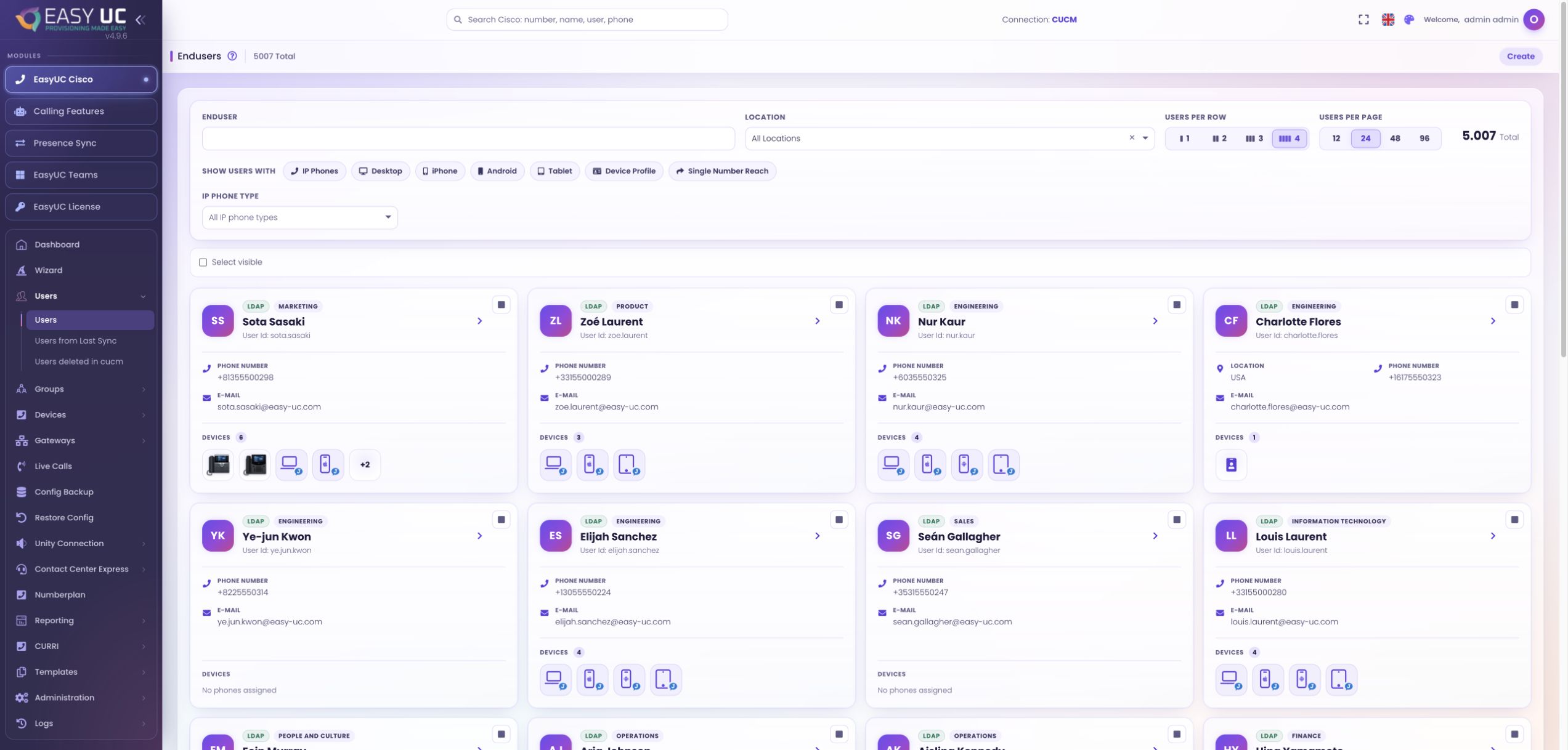
From a new CUCM user to the right phone: choose the location and defaults, allocate a number and check device provisioning.
6 stepsExplore
EASYUC IN PRACTICE
See how EasyUC helps you complete real tasks. Choose an example and follow the workflow, with genuine screens, exact menu paths and the result you can expect.
Provision users and devices, manage numbers, investigate changes and connect service-desk requests.
From a new CUCM user to the right phone: choose the location and defaults, allocate a number and check device provisioning.
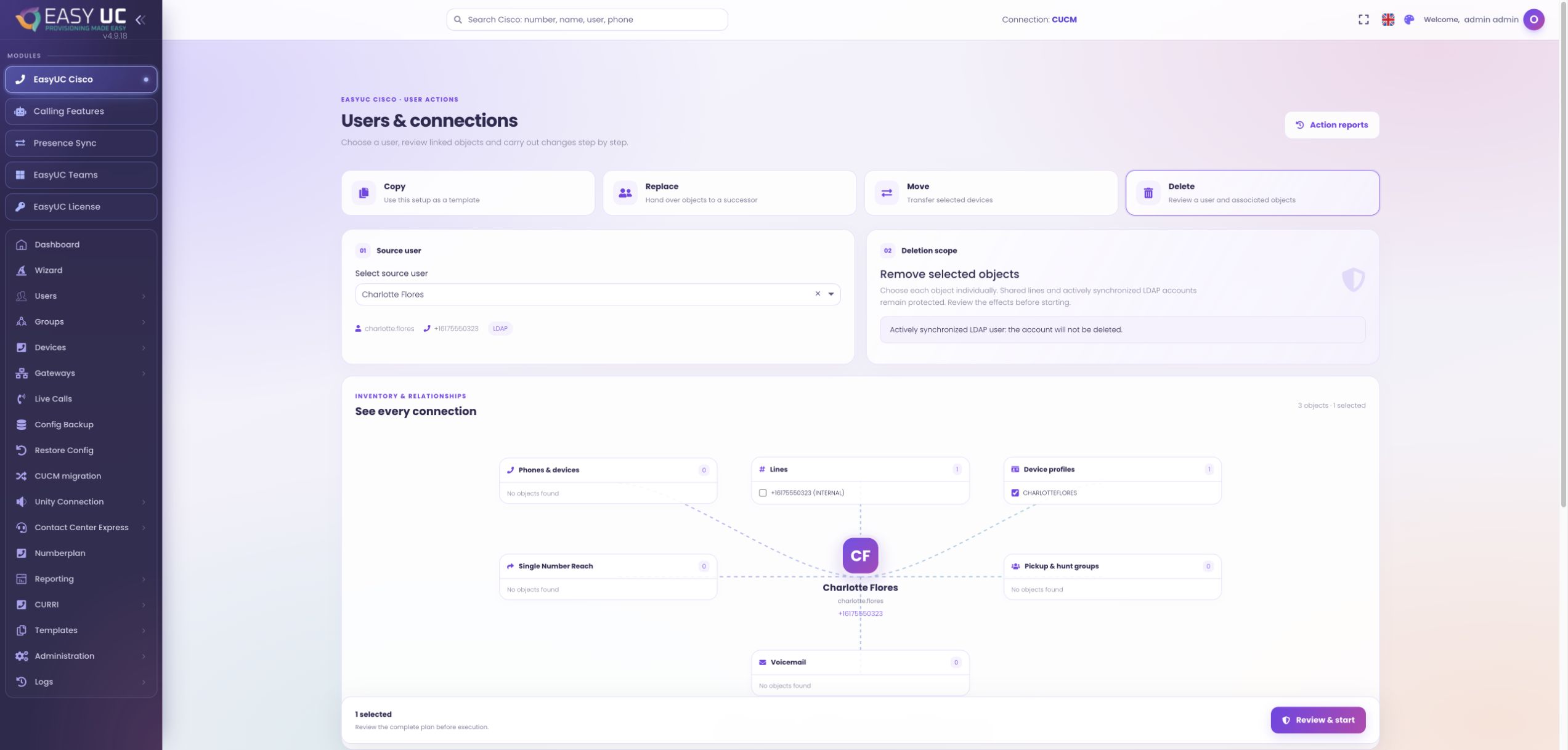
Remove an employee’s phones, lines and services in a controlled sequence. Review shared resources and decide what to retain before deletion.
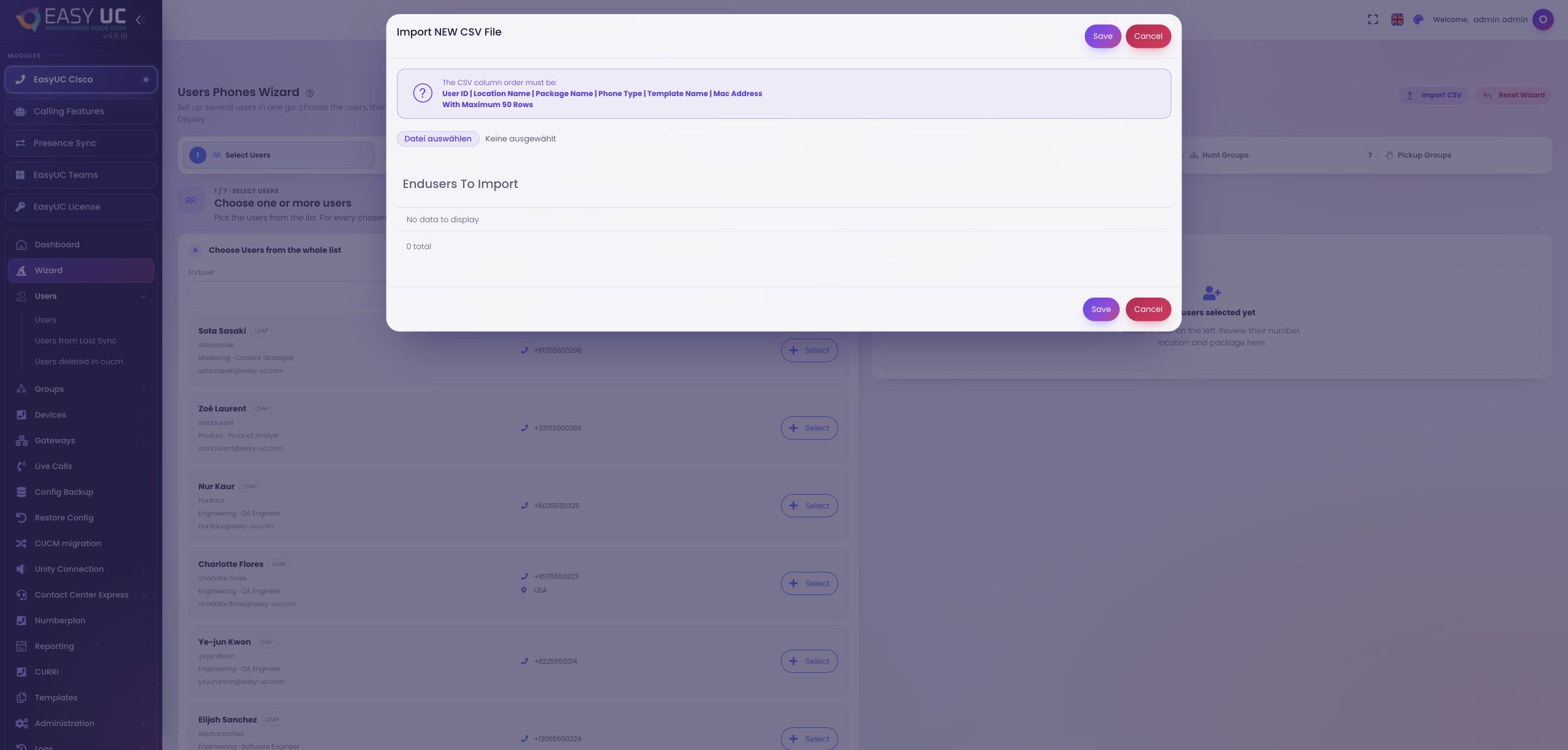
Provision multiple existing CUCM users together: import a CSV, review locations and devices, and deploy the required services step by step.
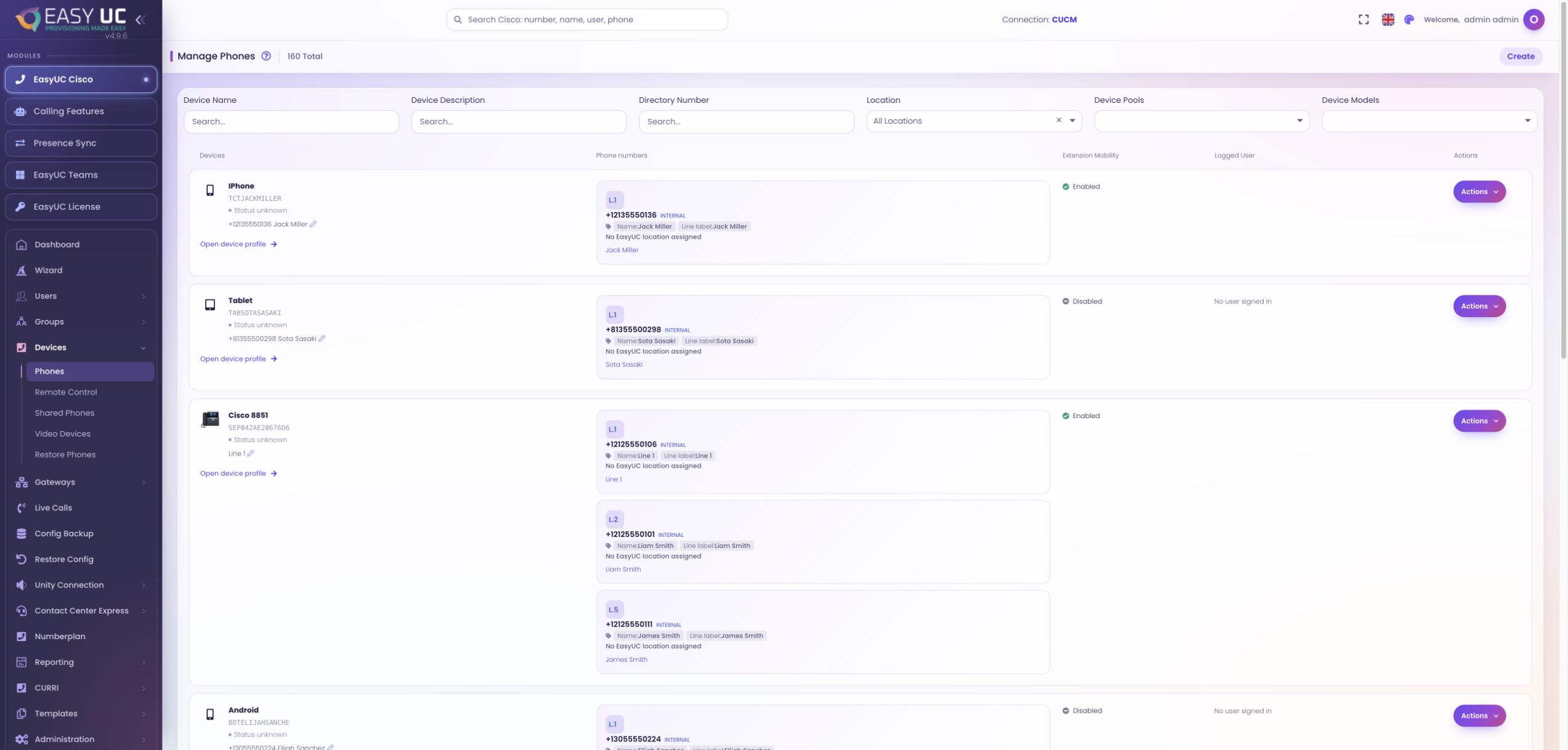
View and operate a user’s phone remotely. Monitor supported devices together, inspect displays and keys, and narrow down a support issue.
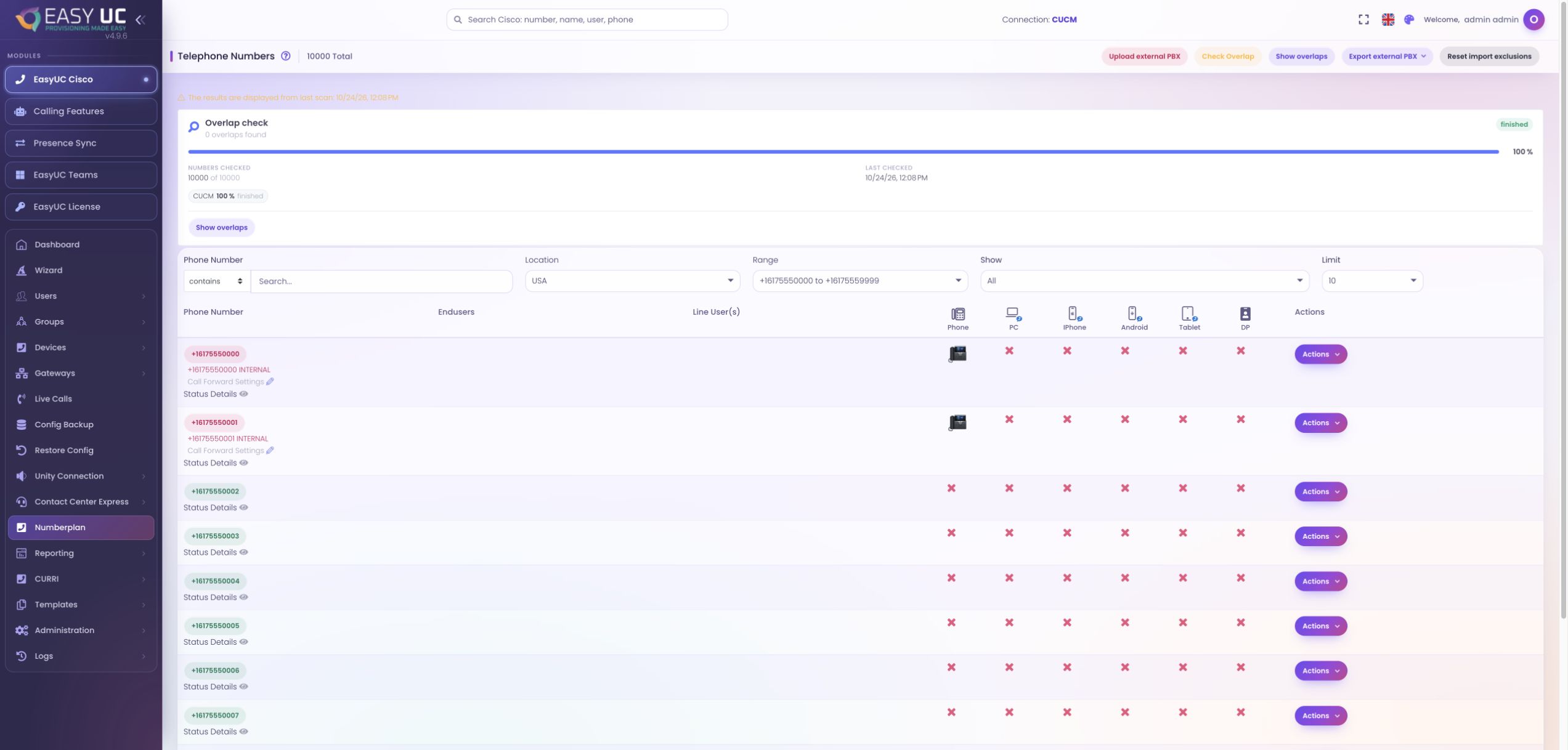
Find available numbers, understand current assignments and check overlaps, including during parallel operation with another phone system.
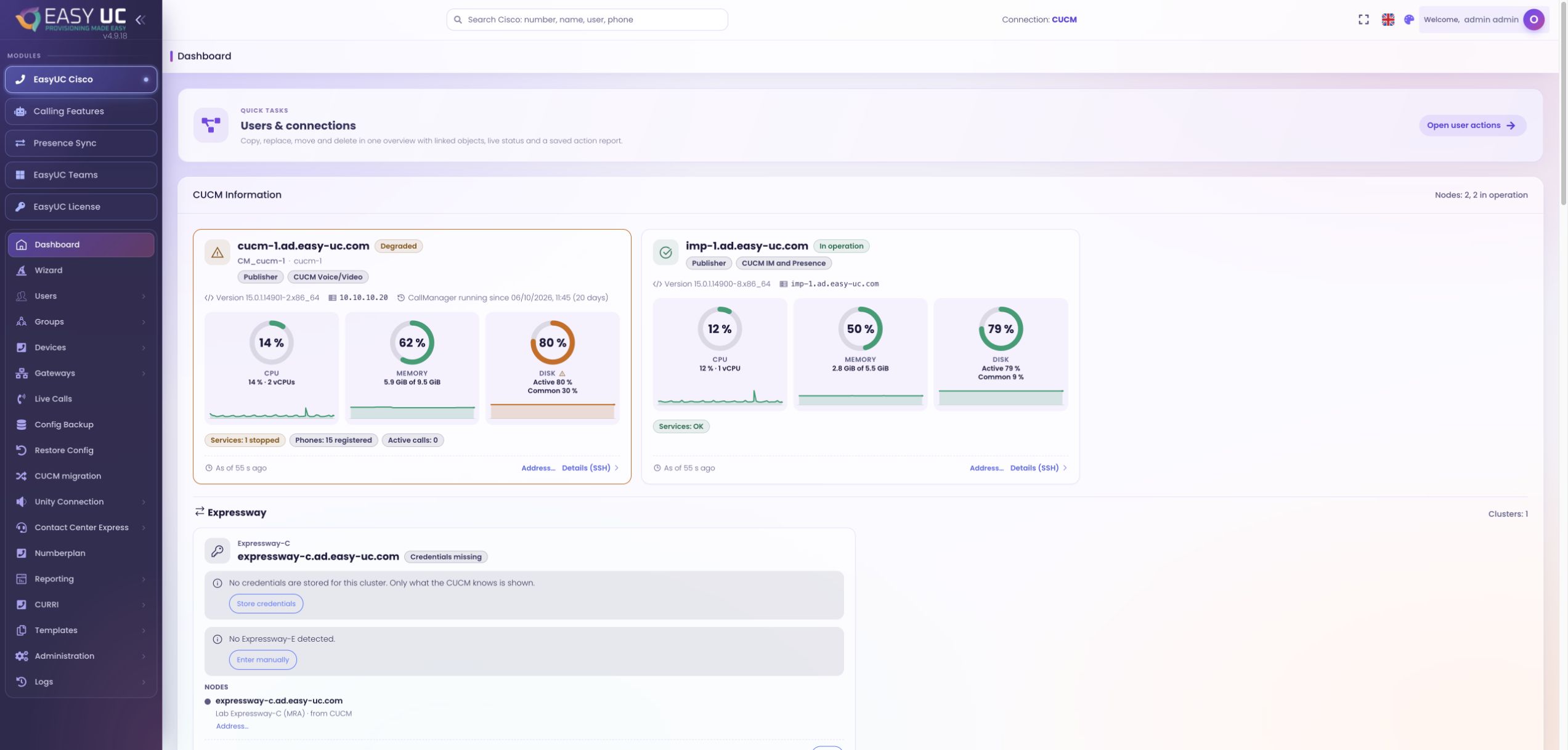
Review voice operations in one place: check nodes, registrations and changes, then move from an issue to the relevant detail view.
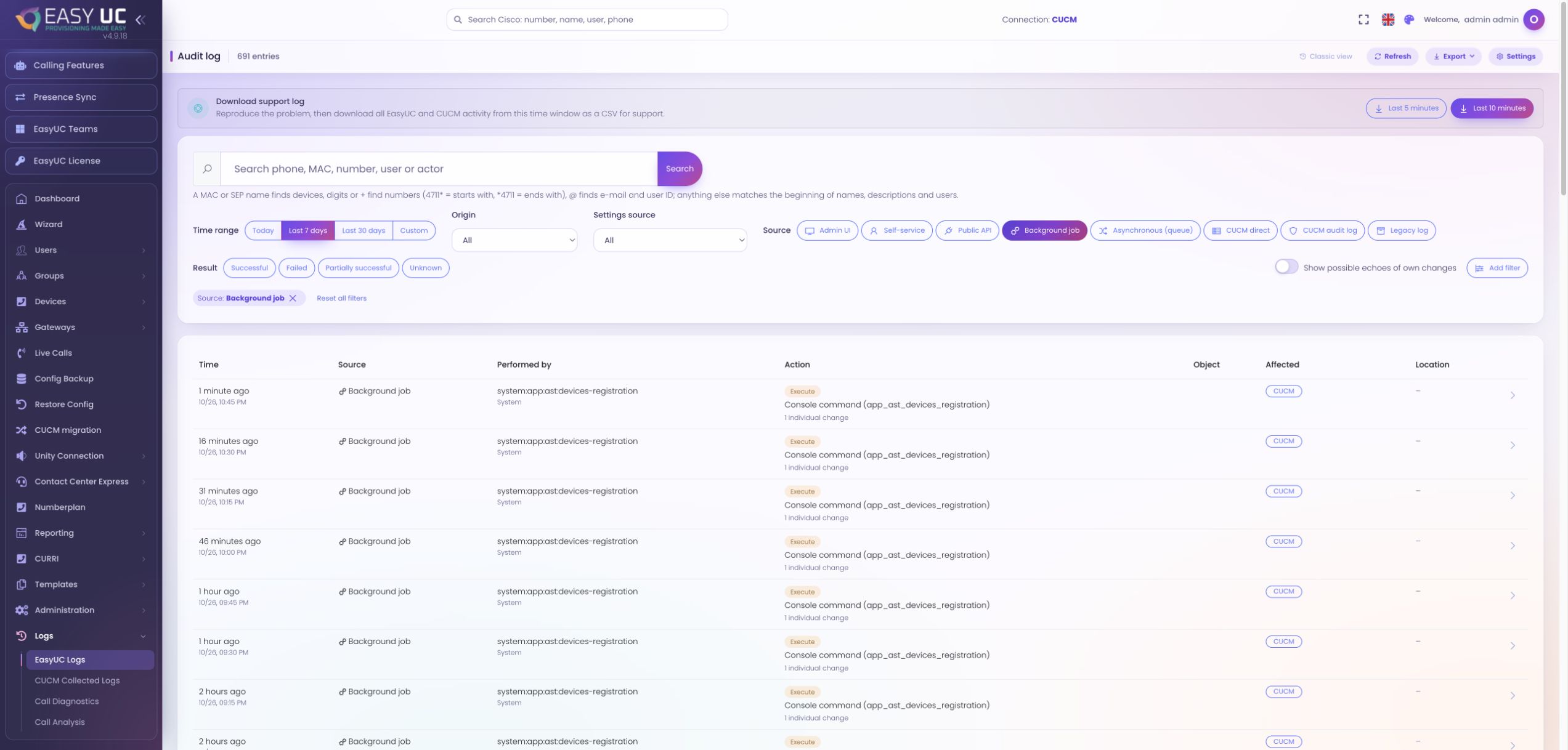
Trace changes made through EasyUC and directly in CUCM. Investigate sources, results and before/after values, and assess available backups for recovery.
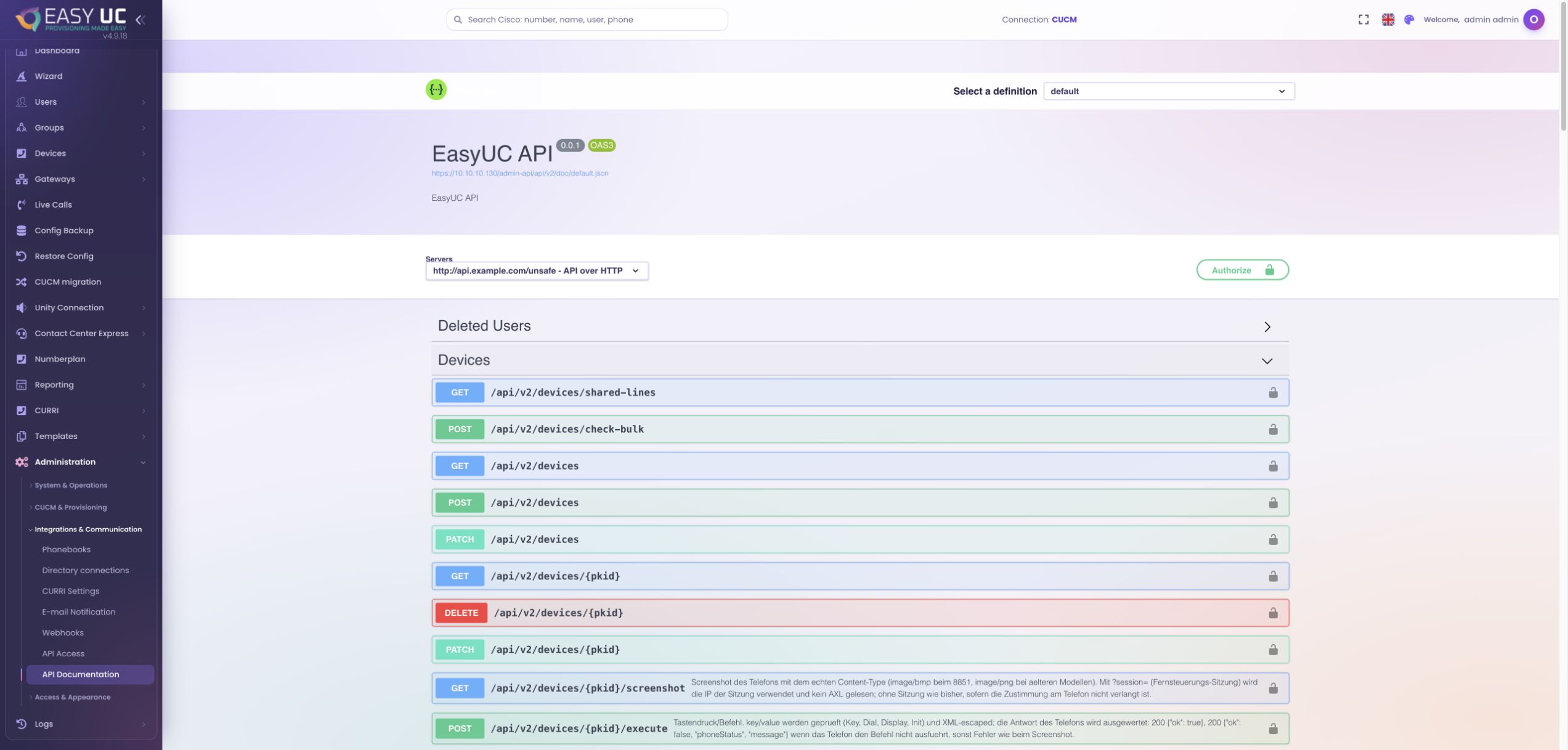
A service desk requests voice services for an employee. EasyUC processes the task and returns its status, phone number and result through the Public API and webhooks.
Captures come from the EasyUC lab and demo environment. Captions identify setup and simulation states. If the interface is not yet available in your language, its original language is labelled. Available features depend on the version, permissions and configured connections.