Call features
Set up an agent workspace for daily service
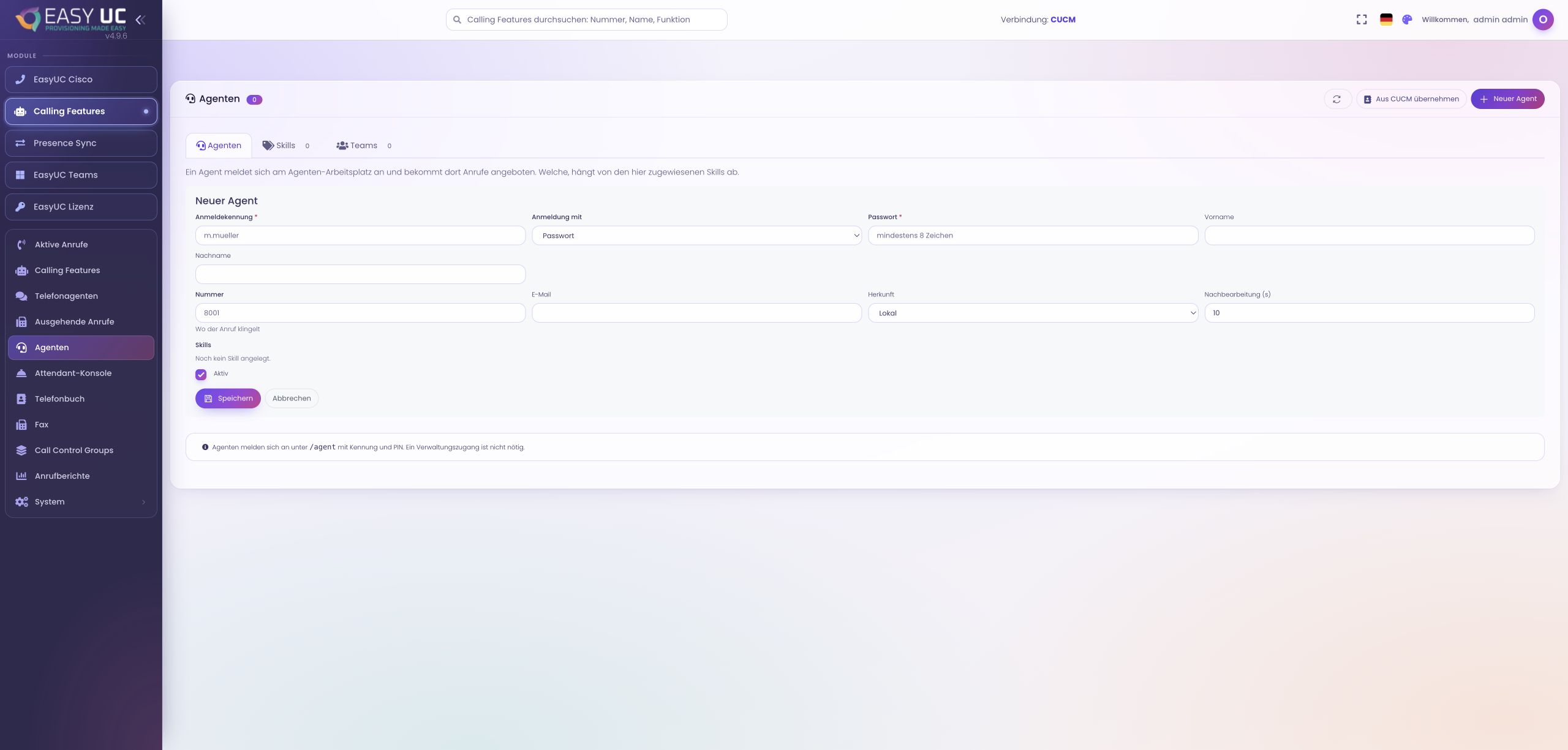
Prepare an agent account, team and directory, then use call offers, conversation context, wrap-up and personal history together.
6 stepsExplore
EASYUC IN PRACTICE
See how EasyUC helps you complete real tasks. Choose an example and follow the workflow, with genuine screens, exact menu paths and the result you can expect.
From the agent workplace to reception: handle calls and transfer them to the right person.
Prepare an agent account, team and directory, then use call offers, conversation context, wrap-up and personal history together.
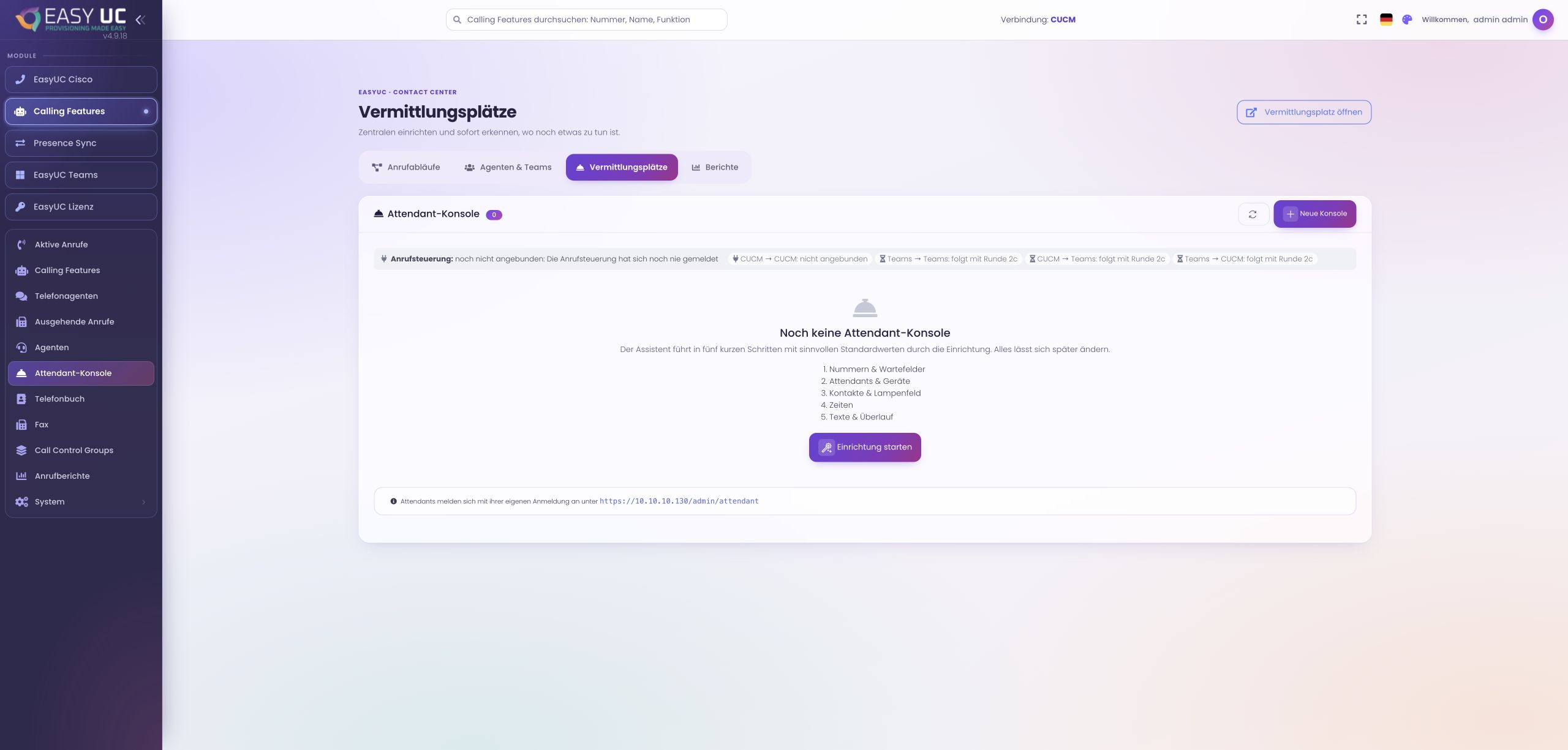
Configure a console with numbers, attendants, devices, contacts and opening hours, then test the full path through answering and transfer.
Captures come from the EasyUC lab and demo environment. Captions identify setup and simulation states. If the interface is not yet available in your language, its original language is labelled. Available features depend on the version, permissions and configured connections.