
BEFORE YOU START
What you need
- Configure location or connection ranges and number-plan access. External PBX imports and overlap checks require administrator rights.
- Know the latest scan time. Agree on external PBX source data, import mode and ownership.
Choose the connection, location and range
Where to work: Cisco → Numberplan → Filters
Select the CUCM connection and location or range. Filters depend on your location model. Read the last-scan notice so the scope and age of the displayed data are clear before evaluating availability or conflicts.
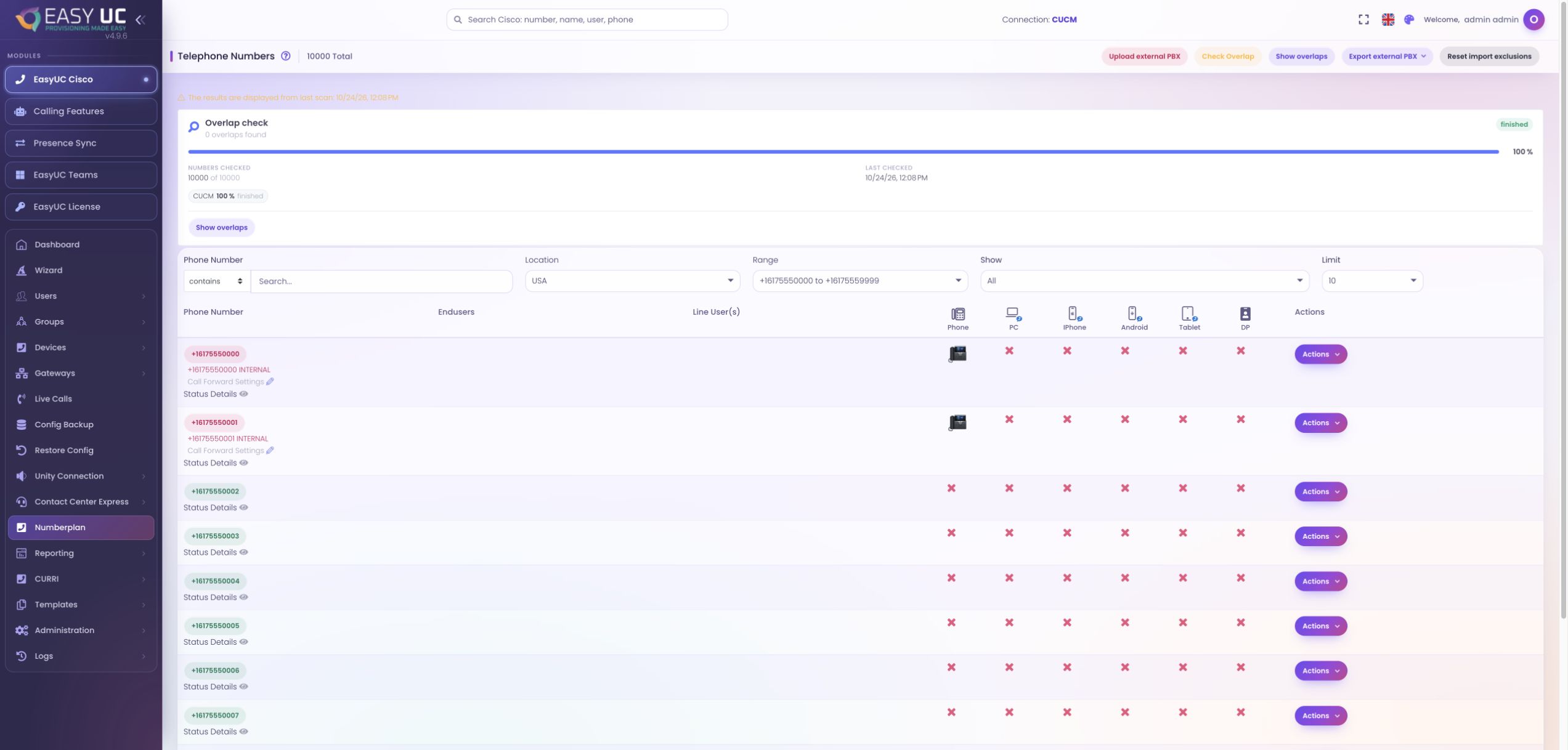
Search available, used or reserved numbers
Where to work: Numberplan → Phone Number / Show
Filter for free, used or reserved numbers and search with begins with, contains or ends with. Treat reservations distinctly from availability and investigate a CUCM line or conflicting status rather than relying on one label.
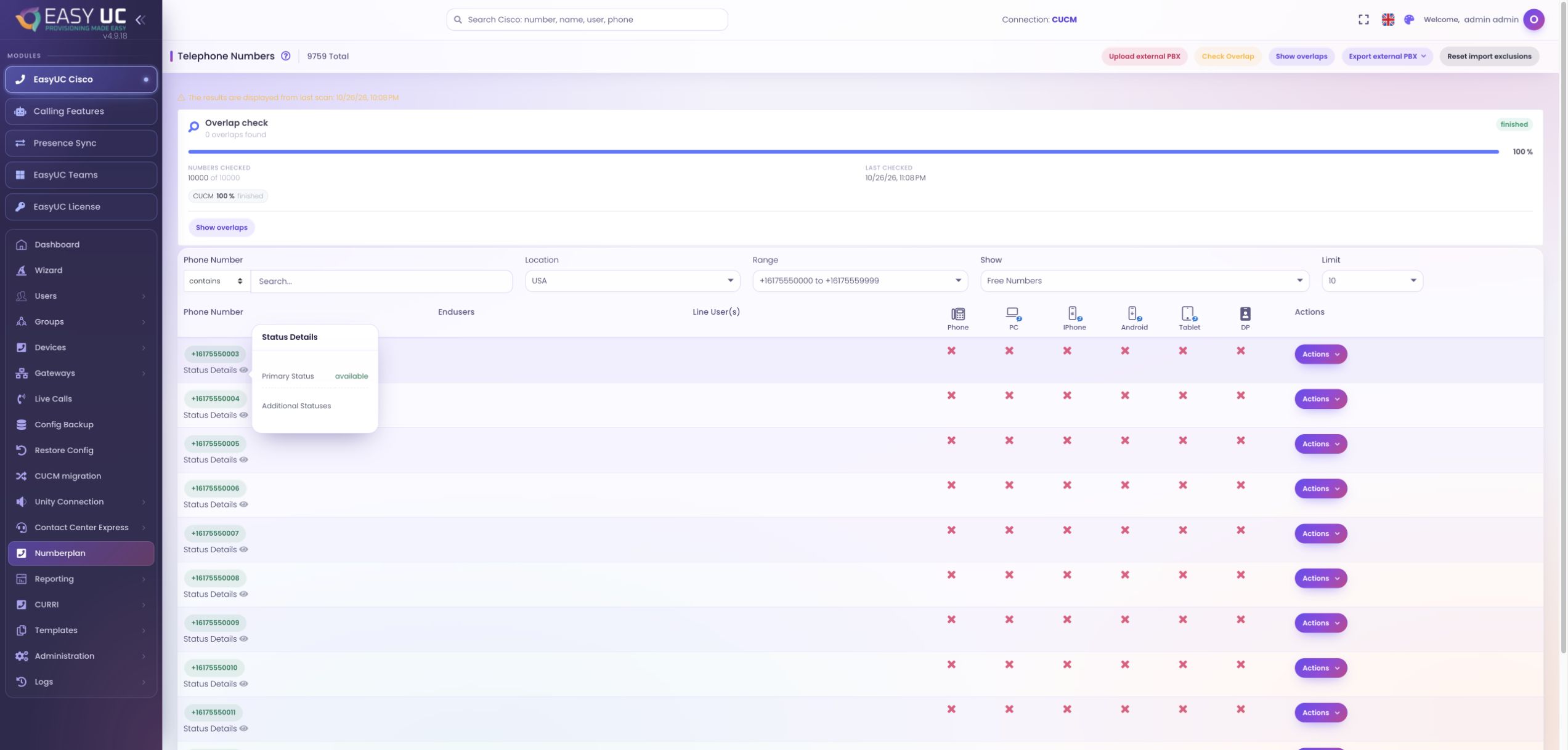
Inspect how a number is used
Where to work: Numberplan → Row and status details
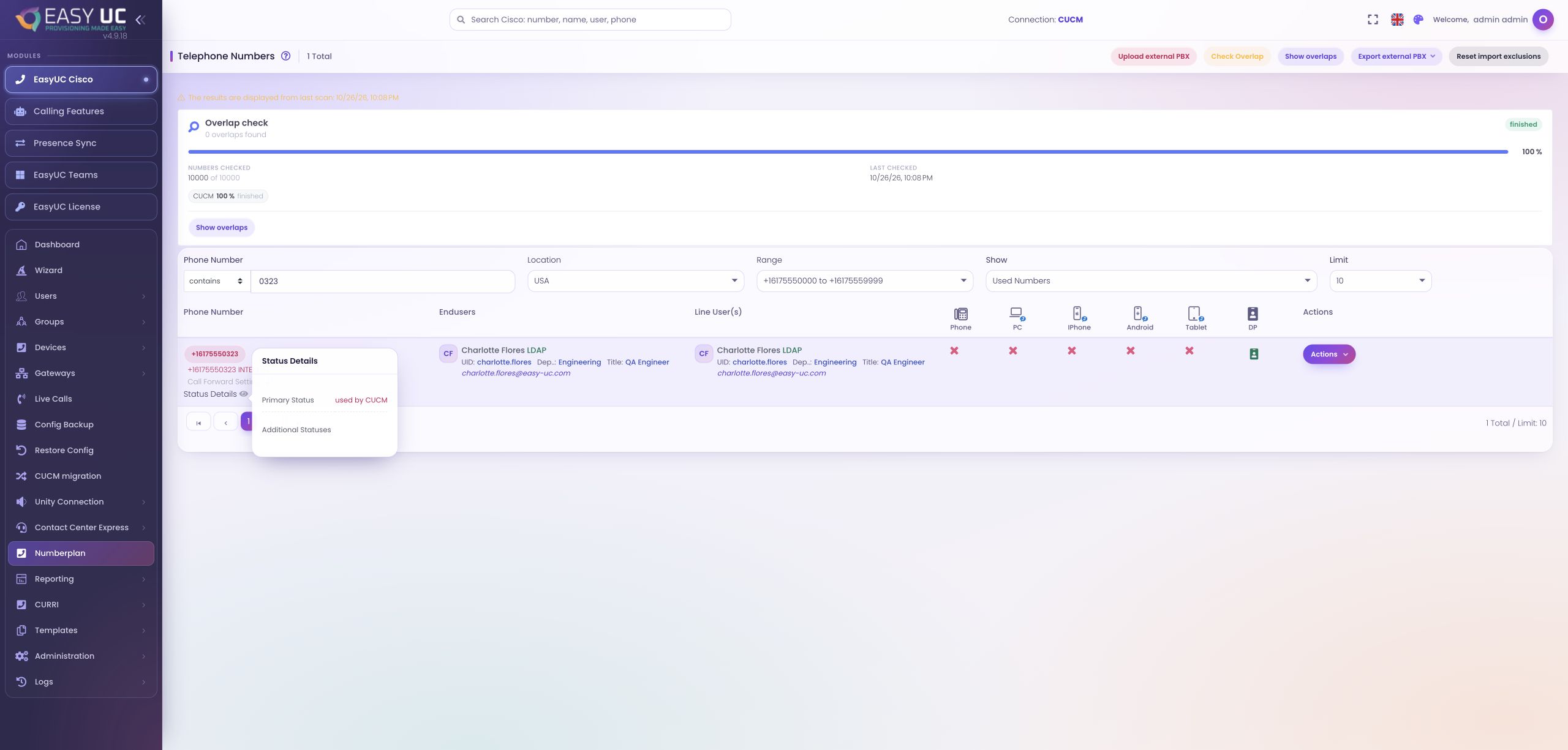
Inspect status details, users, line users and devices, including desk phones, PC and mobile clients or profiles. Check associated route and translation patterns before reuse so the decision reflects actual technical usage.
Include allocations from an external PBX
Where to work: Numberplan → Upload external PBX
Upload external allocations when another PBX shares the number space. Review progress and choose one-time or recurring application. Distinguish imported markings, manual entries and exclusions when planning subsequent imports.
Check overlaps and inspect matches
Where to work: Numberplan → Check Overlap → Show overlaps
Run the background overlap check and inspect the resulting numbers and matching patterns. Determine whether each overlap is intended or needs correction. The check reports findings; it does not remove associations or repair routing automatically.
Use the findings in the next task
Where to work: User/device provisioning or external PBX export
Apply the findings during provisioning and recheck the final assignment. Export all external PBX markings, CSV entries only or manual entries only for coordination. Document unresolved conflicts and repeat checks after changes on refreshed data.
The result
Identify suitable numbers and specific conflicts, with user, line and device context for allocation or cleanup decisions.
Good to know
- The view reflects its last scan, not guaranteed continuous real-time occupancy. Match the result to connection, range and allocation time.
- An overlap is a finding to assess; deciding and applying a correction remains a separate task.
Captures come from the EasyUC lab and demo environment. Captions identify setup and simulation states. If the interface is not yet available in your language, its original language is labelled. Available features depend on the version, permissions and configured connections.